Get into the machine from your browser, with nothing else to install
Remote desktop, terminal and files go through the same agent that already monitors the machine. The technician installs no client, and the agent downloads what it needs on its own in the first session.
What you have at hand
Remote desktop
Windows, Linux (Xorg) and macOS. Pick the monitor and see who else is connected to the same machine.
Elevated terminal
PowerShell on Windows and bash on Linux and macOS, running as SYSTEM or root, right in the browser.
File transfer
Upload and download files during the session, with no extra tool.
Chat with the user
Talk to the person in front of the machine without leaving the session.
Clipboard
Copy and paste both ways between your computer and the remote machine.
Input lock
Lock the machine's physical keyboard and mouse while you work.
On Windows: multiple monitors, UAC handling, a Ctrl+Alt+Del button and a session that continues after logoff.
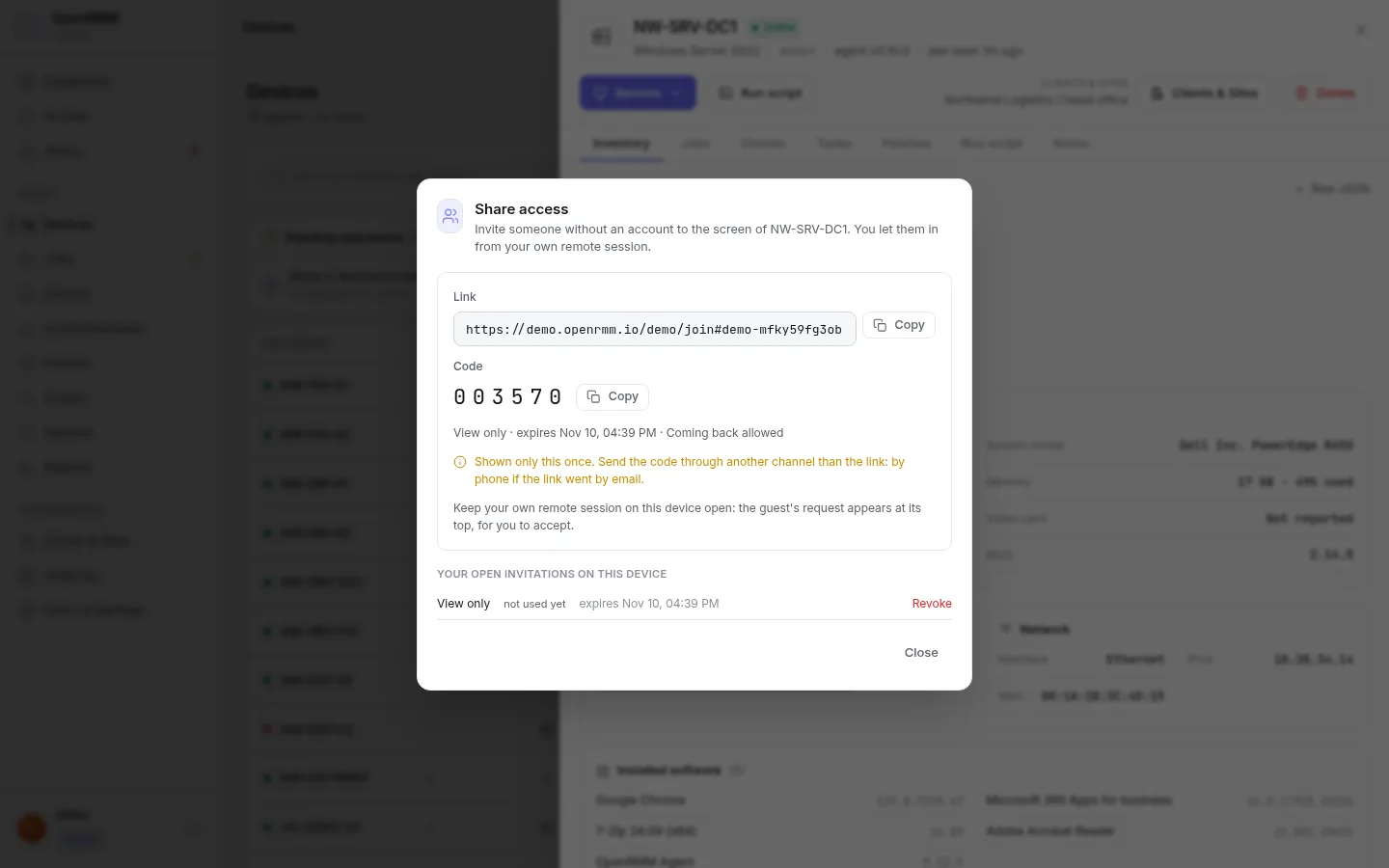
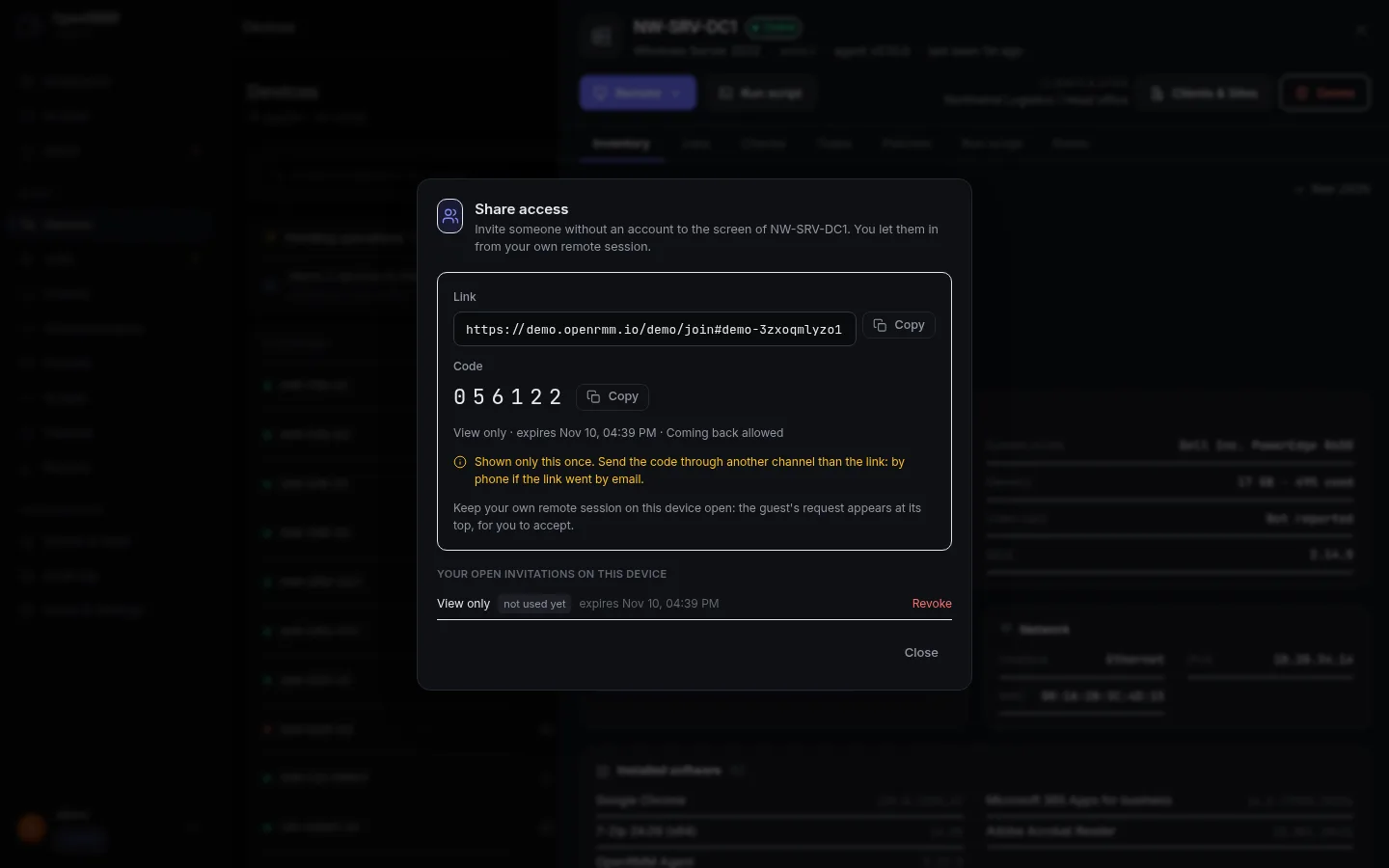
Bring the user or a colleague into the session
Useful for showing something to the customer or asking a specialist for help, without giving them a console account.
- An invite with a link and a 6-digit code.
- Choose "view only" or "view and control".
- Valid from 15 minutes to 24 hours.
- The guest only joins when the technician accepts, from inside the session itself.
- Guests get no files, no clipboard and no Ctrl+Alt+Del.
- The session ends when the invite expires, is revoked or the technician leaves.
Use the native one, or keep what you already have
OpenRMM native
Ready out of the box. Desktop, terminal and files through the agent, with guest invites.
MeshCentral
Open a session on your MeshCentral server straight from the machine's page. Requires the MeshCentral agent on the computer.
RustDesk
Optional. The console looks up the RustDesk ID on the spot. Traffic goes only through your own hbbs/hbbr servers.
| Native feature | Windows | Linux | macOS |
|---|---|---|---|
| Remote desktop | Yes | Yes, with Xorg | Yes, with Screen Recording and Accessibility permissions |
| Terminal | PowerShell (Windows 10 1809 or newer) | bash | bash |
| File transfer | Yes | Yes | Not confirmed in the documentation |
| Guest session | Yes | Yes | Yes |
Good to know
- On Linux with Wayland the screen is black and the console says so. A Wayland backend is on the roadmap.
- On macOS, the login screen cannot be accessed yet.
- Native session video goes through the server's relay. End-to-end encryption and hardware-accelerated codecs are on the roadmap.
- Guest access is off by default. An administrator turns it on under Settings ▸ Remote access.

Unlimited remote access on Cloud.
No charge per session or per technician. You pay for the number of devices.