Patch management
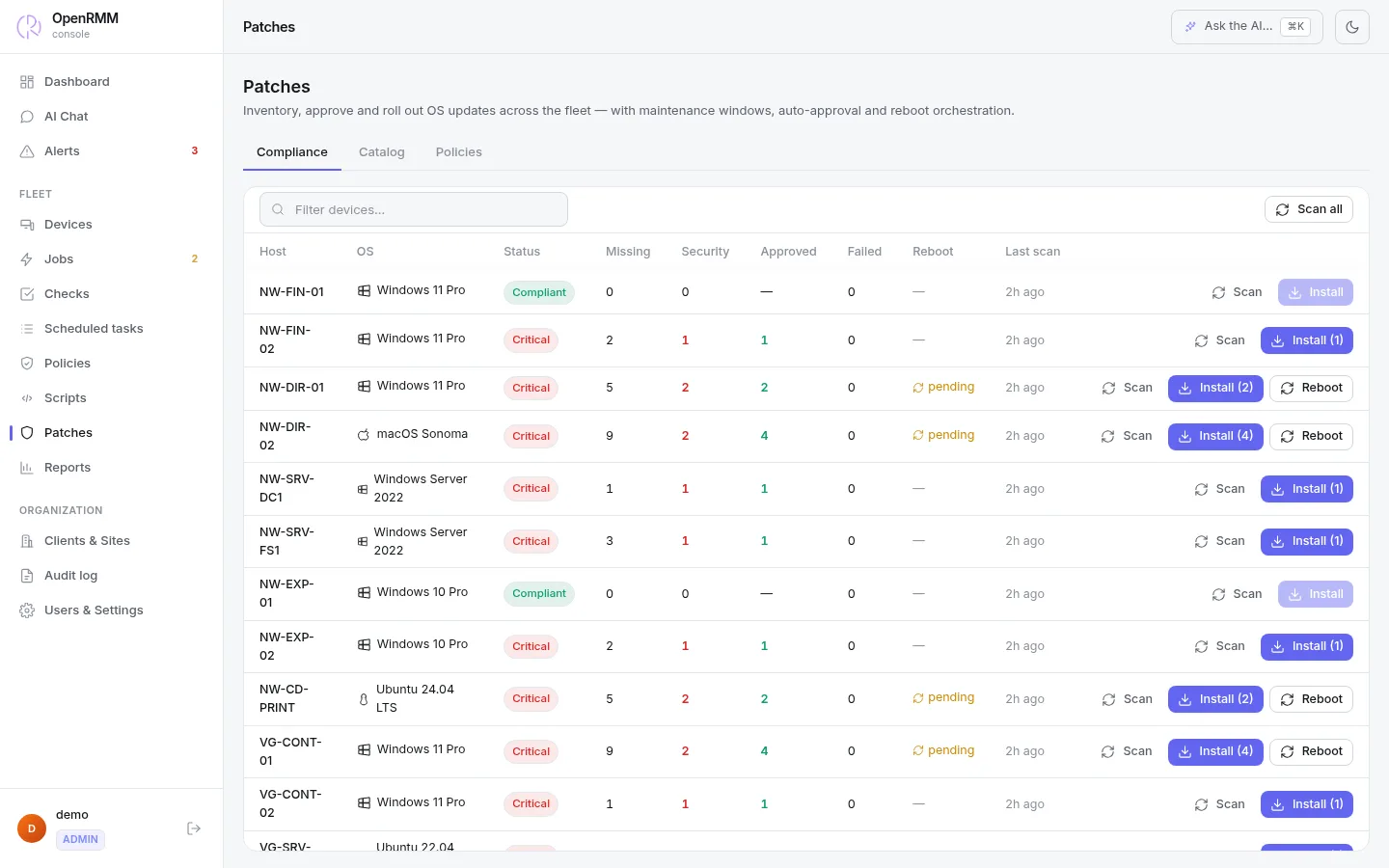
Patches approved by you, installed at the right time
OpenRMM finds what is missing on Windows, Linux and macOS. You decide what goes in, and installation happens inside the maintenance window, without taking anyone down in the middle of the workday.
How it works
From scan to report
Every step is recorded in the audit log: scans, approvals, refusals, installations and restarts.
- ScanRoughly every 6 hours, each online machine runs its own system's update tool. You can also ask for a scan right away.
- CatalogEach update appears once, with title, classification, KB, CVEs and whether it needs a restart.
- ApprovalApprove or refuse at the global, client, site or machine level. Or let a policy approve certain classifications after a few days.
- InstallationIn the maintenance window, online machines install only what is approved. Exclusions by identifier or classification are respected.
- RestartOnly after everything has been installed and if the policy allows it. It waits for remote sessions to end.
- ComplianceA compliance report by client, site and machine.
By system
Each system's native tool
| System | How the scan is done |
|---|---|
| Windows | PowerShell with the Windows Update Agent (WUA) |
| Debian and Ubuntu | apt tools |
| Fedora and the RHEL family | dnf update metadata |
| macOS | softwareupdate |
Safeguards
Nothing installs "by mistake"
- Installation sends an explicit list of what was approved. An empty list never means "install everything".
- The AI can install, but only what a person has already approved. It has no way to approve patches.
- A manual restart waits 60 seconds and is refused during a remote session, unless you force it.
- Technicians with a restricted scope approve nothing at the global level.
- Patch identifiers are validated on the agent before the package manager is called.
Good to know
- Maintenance windows use the server's time zone, not each machine's.
- There is no progress bar or cancellation during installation yet. The status changes when the result arrives.
- A manual scan or installation on an offline machine is not queued. Policies try again on the next cycle.
- Classification and CVEs are only as complete as the operating system reports them.

Windows, Linux and macOS patches in one place.
Included in every plan, with no extra module.