Every client in its place, every technician in their scope
Organize the fleet the way your business works and decide exactly what each person can see and do. The same rule applies to the console, the API, MCP and the AI.
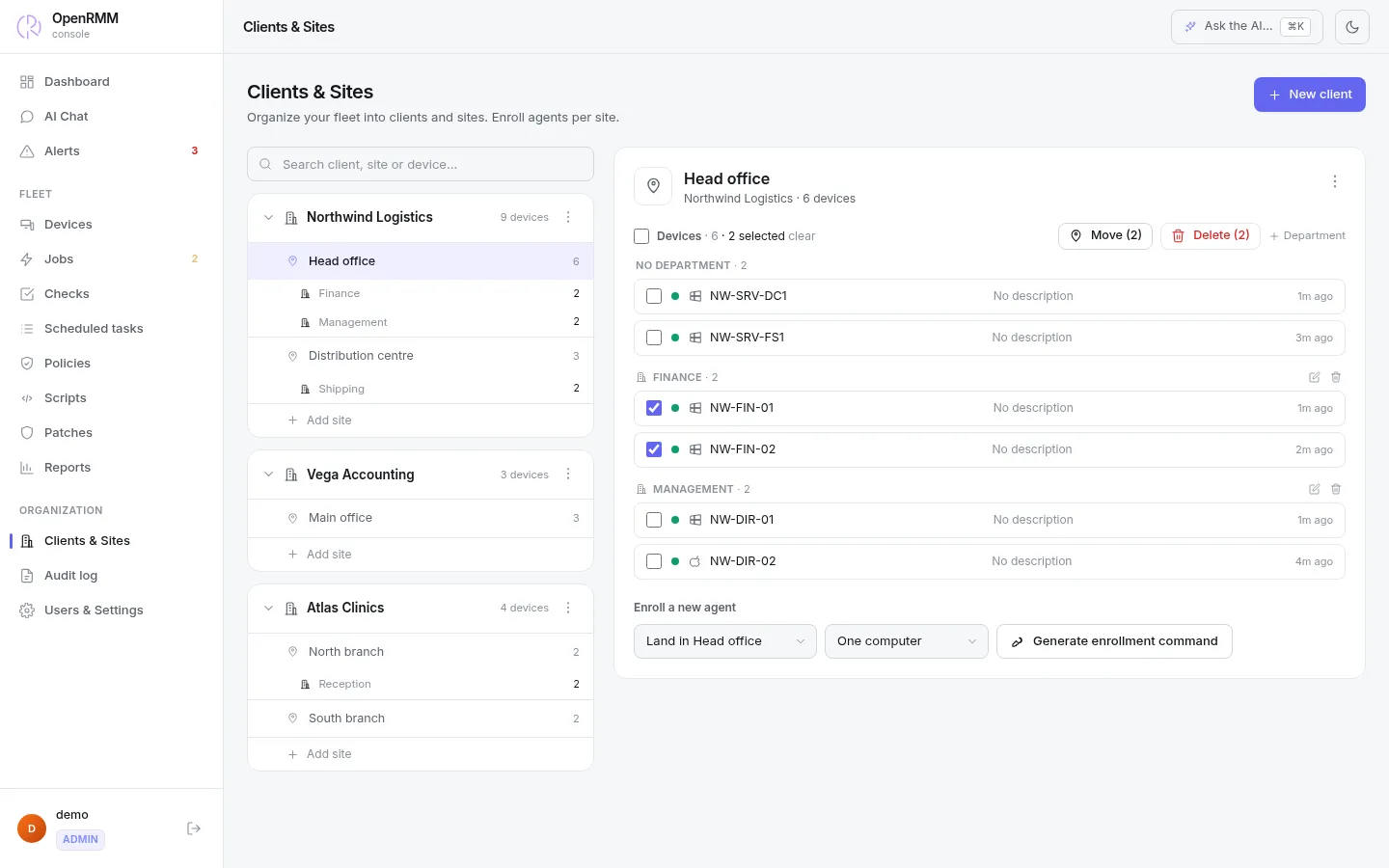
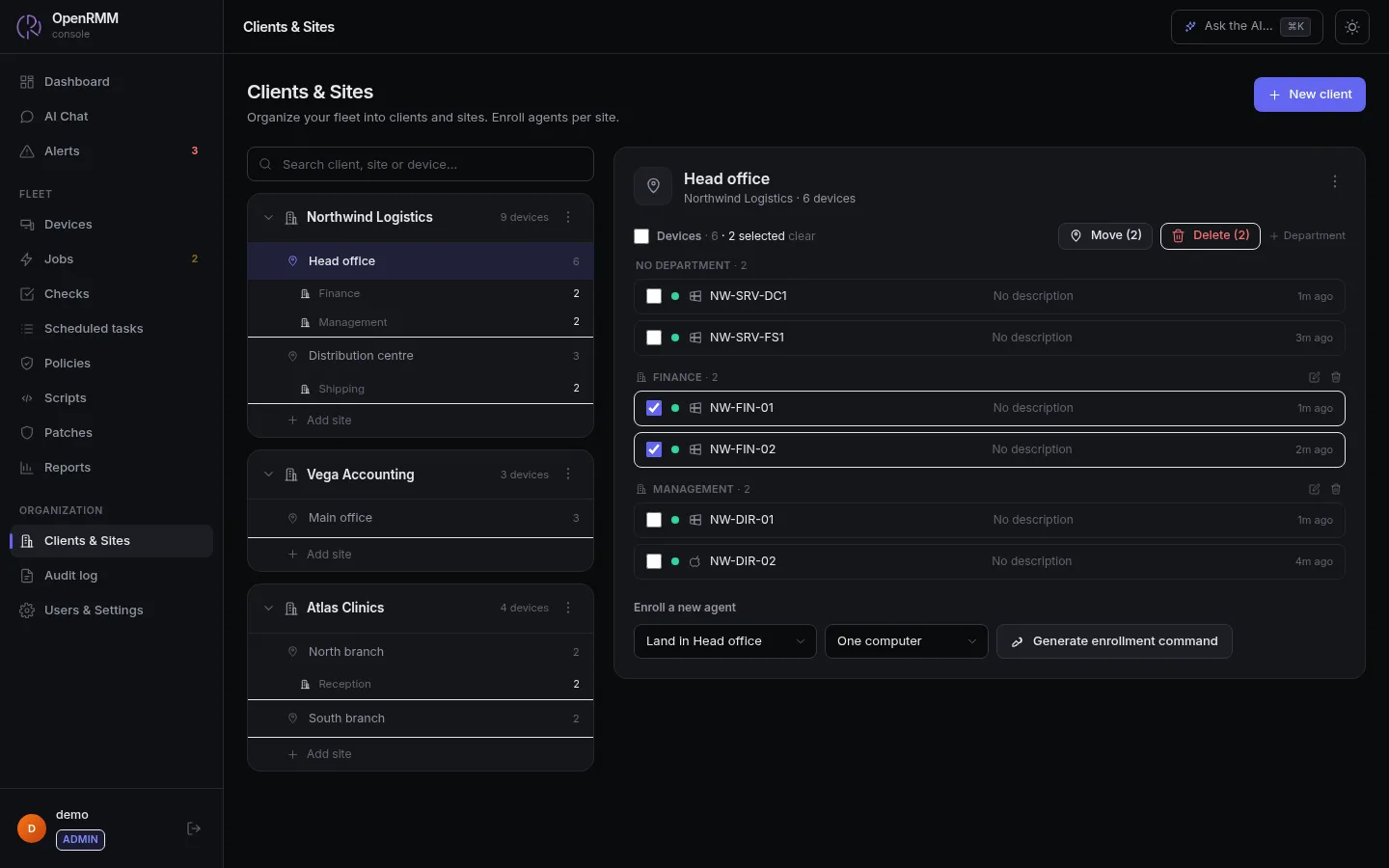
Company, site, department, machine
Four levels that suit an MSP with dozens of clients as well as the IT team of a company with several branches.
- Policies applied at any level are inherited by the machines, including new ones.
- Move or delete machines in bulk, with approval and a confirmation count.
- Reports and patch approvals by client, site or machine.
- Scripts across several companies become one approval batch per company.
Two questions: what can they do, and where
The role defines the actions. The scope defines the machines. Both are checked on every server route, for reads and for writes.
Roles
Three ready-made (read-only, technician and administrator) and as many custom ones as you like, with separate permissions to view devices, open a remote session, use the terminal, invite to a session, approve jobs, manage patches, use MCP and more.
Scope
Limit a technician to one company, one site, one department or a single machine. They cannot see, change or ask the AI about anything outside it. Even an approver with a restricted scope is blocked from proposals that leave their scope.
| Example | Role | Scope |
|---|---|---|
| A technician dedicated to one client | Technician | Company "Northwind" |
| Support for one branch | Technician | Site "Campinas branch" |
| The client's auditor or manager | Read-only | The client's company |
| Billing integration through the API | Custom, read-only for devices and reports | The whole fleet |
Strong sign-in without the hassle
SSO with OpenID Connect
Use your own identity provider. It confirms who the person is, while roles and scope stay in OpenRMM. You can require MFA from the provider.
2FA with TOTP
For local accounts, with single-use recovery codes. Each code works only once.
Lifecycle
Password change by the user, reset by email and account deactivation without erasing history.
Good to know
- SSO uses OpenID Connect. SAML is not documented.
- With SSO on, linked accounts have no password sign-in or reset.
- By default, only the administrator role can invite people to a remote session.

Pricing is per device, not per technician.
Organize the team as you like, each technician in their own scope.