Monitor
Complete inventory
Hardware, software and patch state of every machine.
AI assistant integration via MCP and API
The same console for whoever looks after 20 machines or 5,000. Click each area to see the real screen.
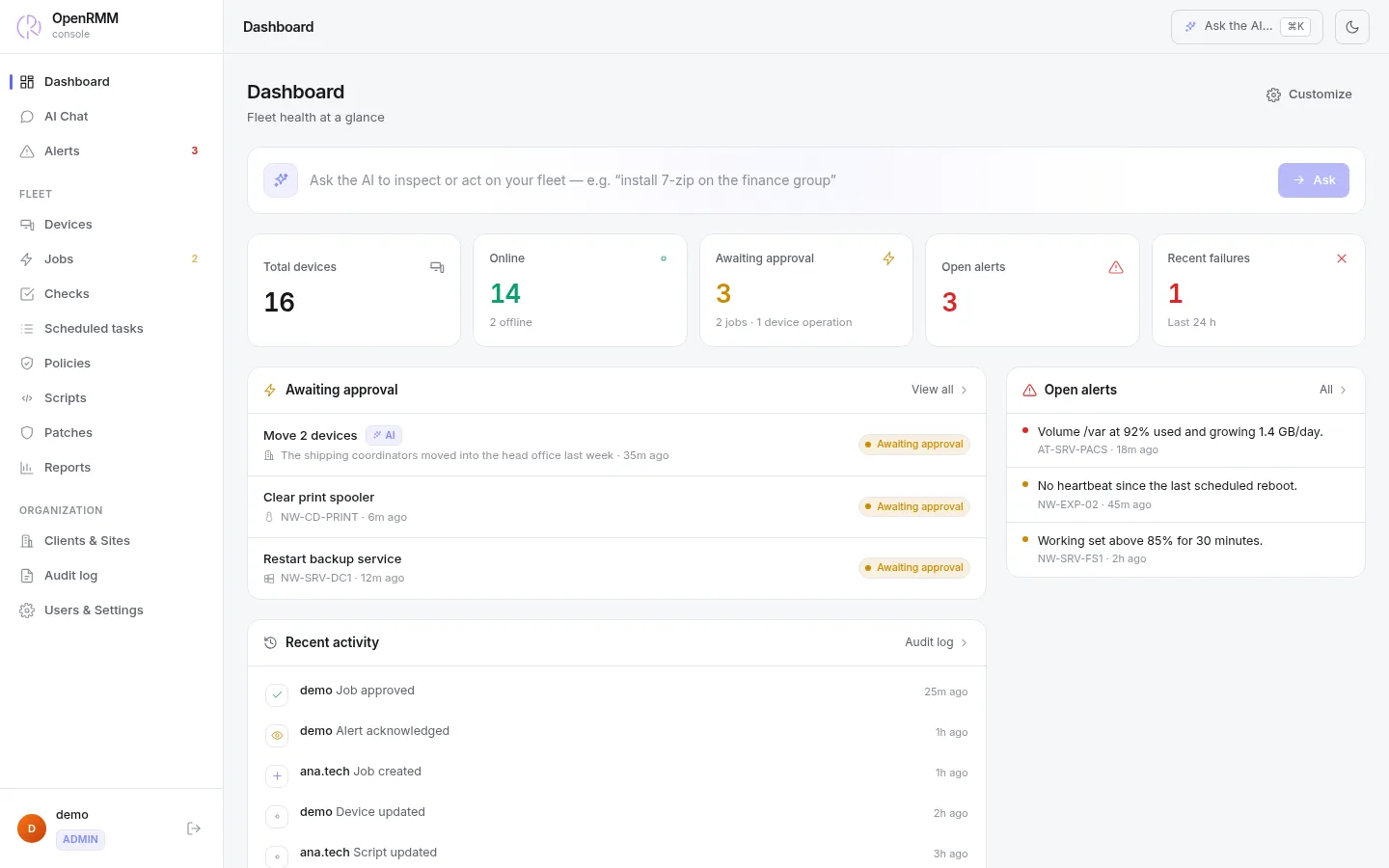
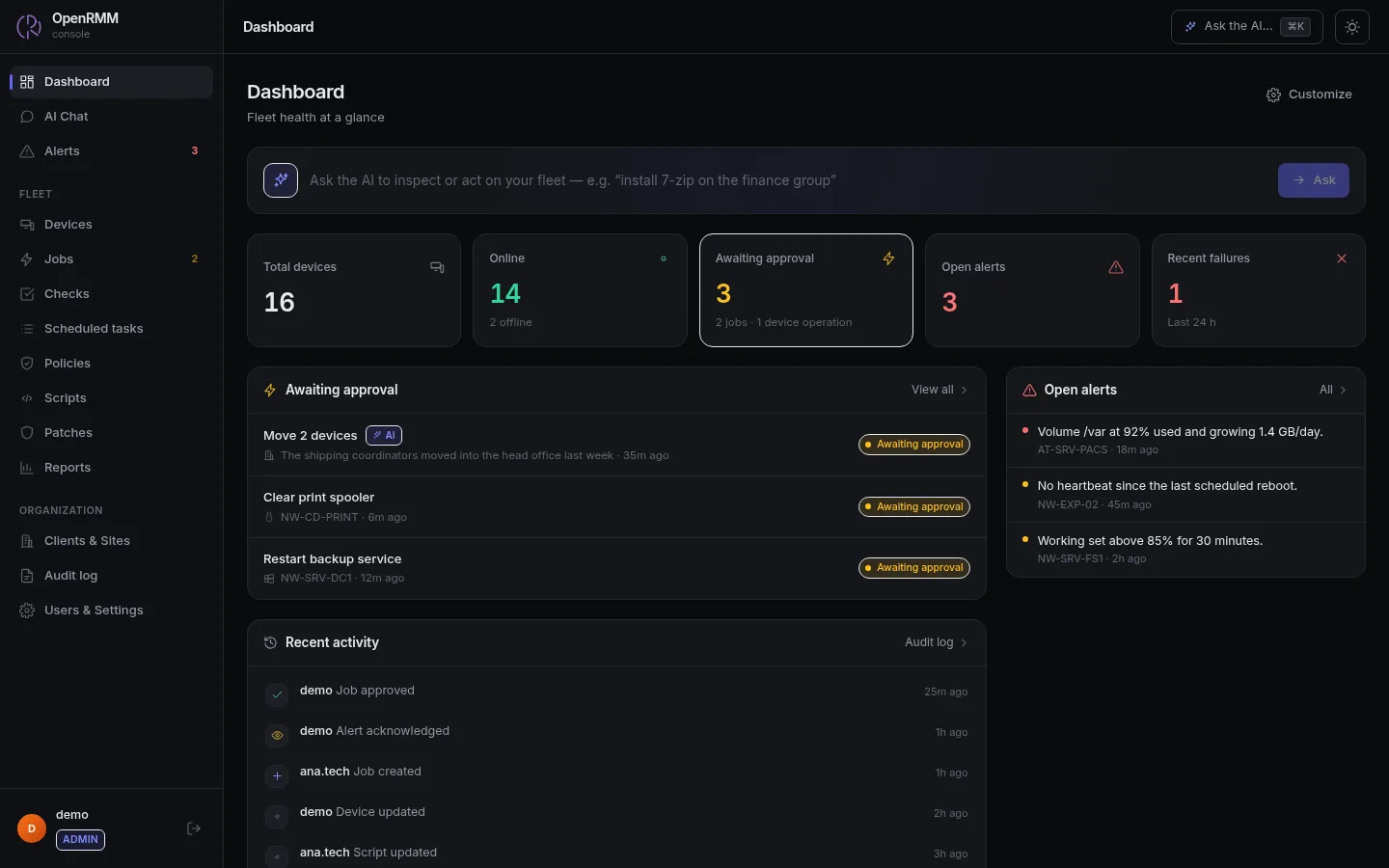
Fleet health, pending approvals and open alerts — including what the AI proposed.
Learn more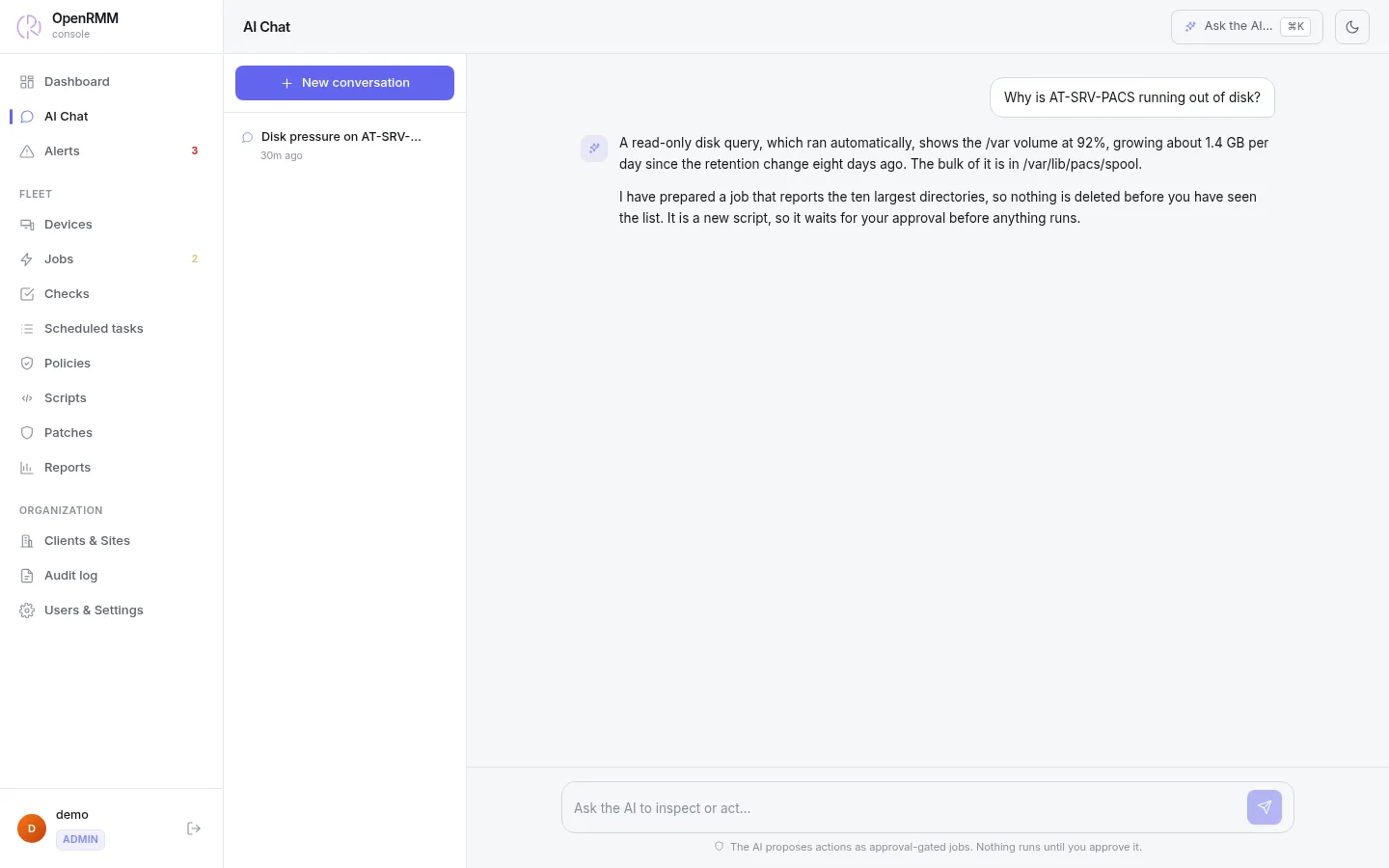
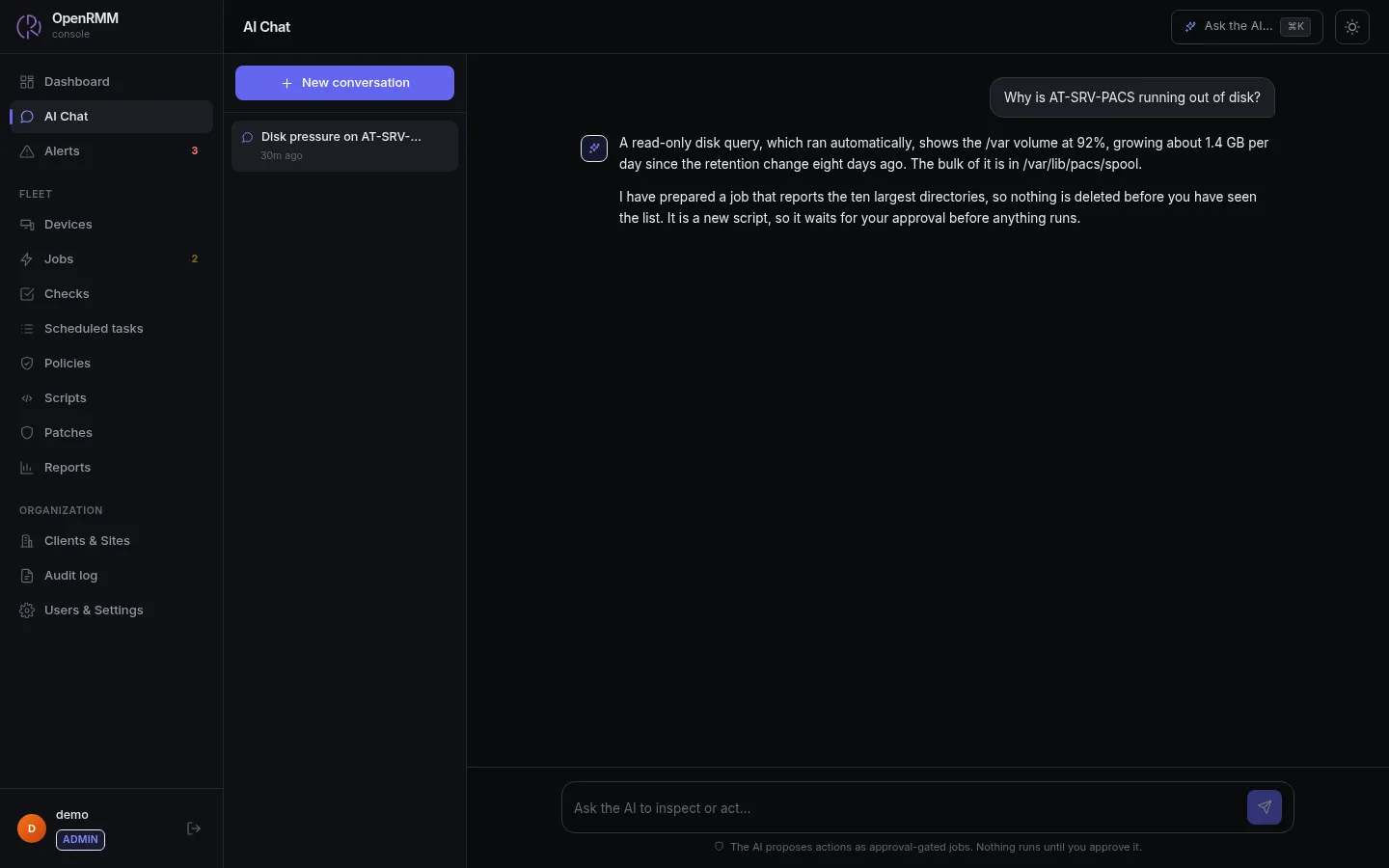
It investigates in plain language and prepares the job; nothing runs until someone approves it.
Learn more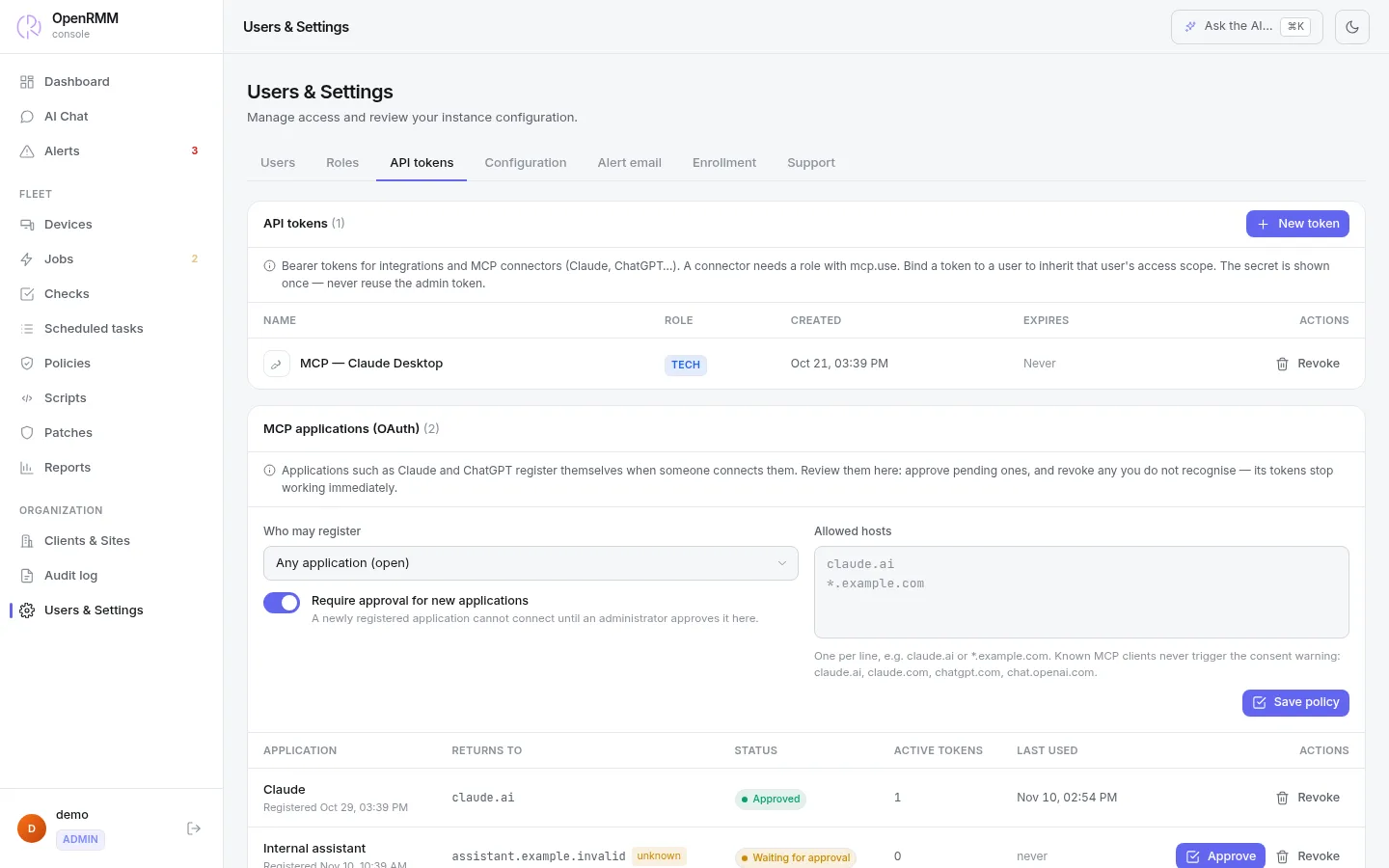
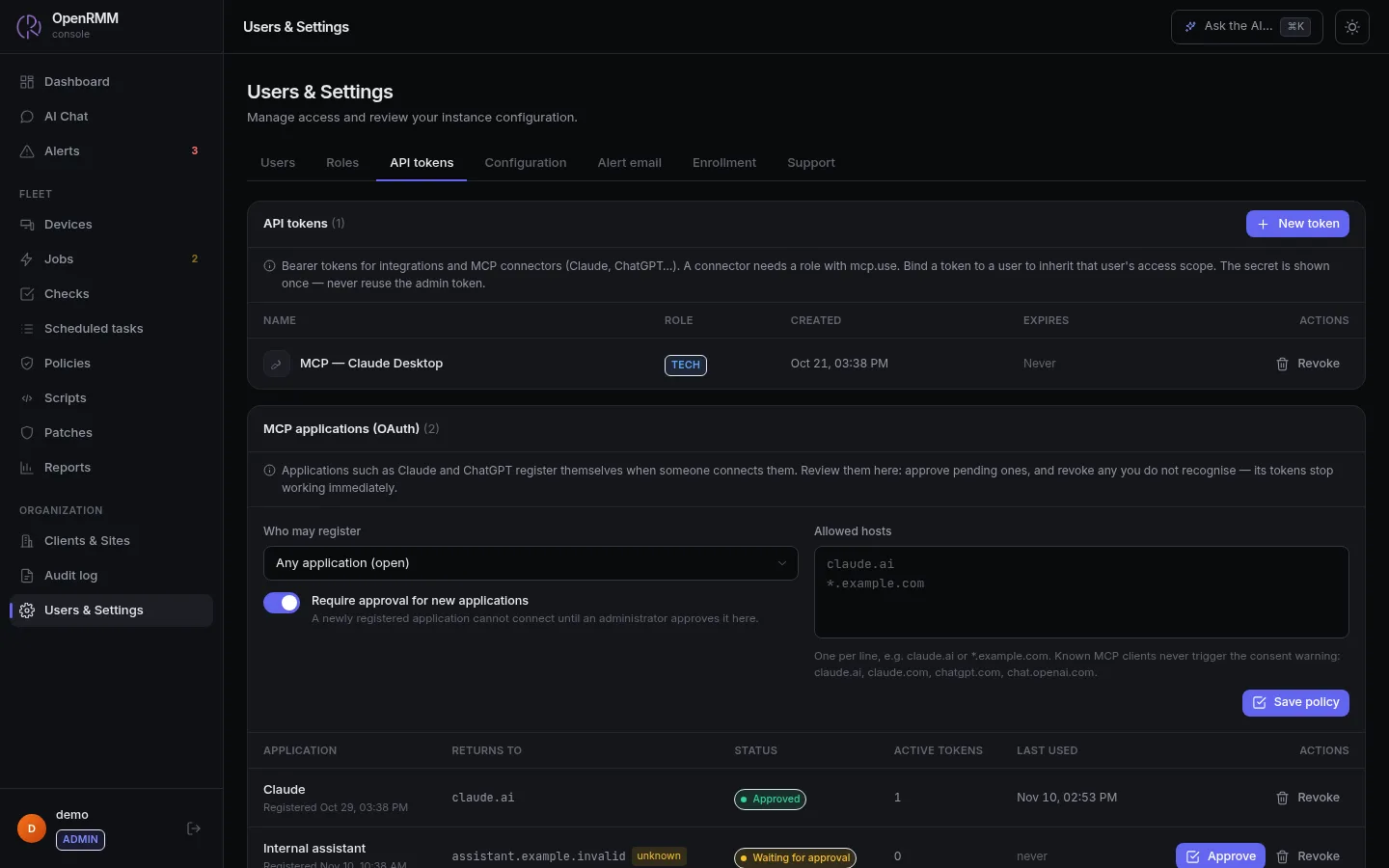
Connect Claude or ChatGPT with a token or by signing in. It works within each technician's permissions, and you approve or revoke every application.
Learn more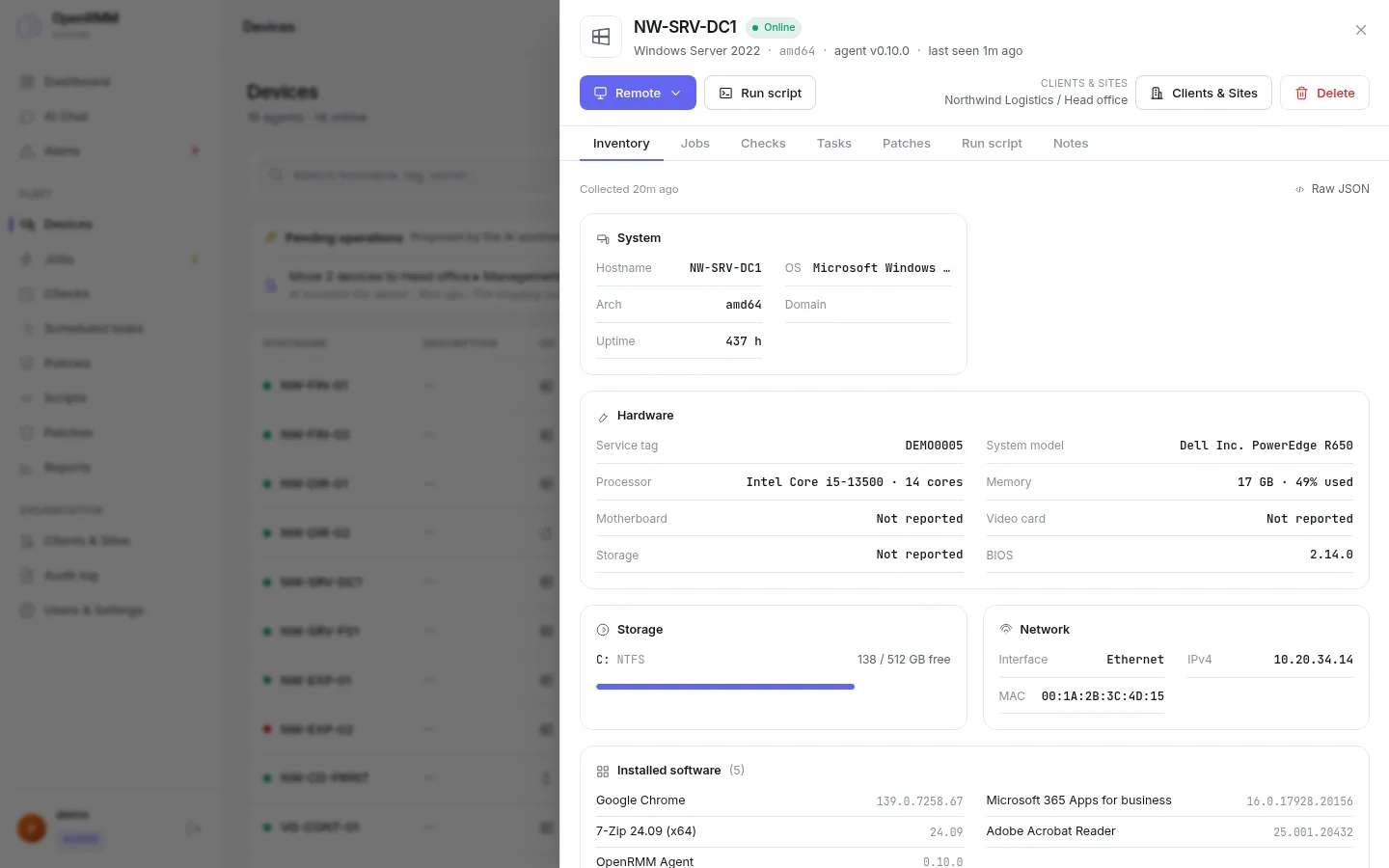
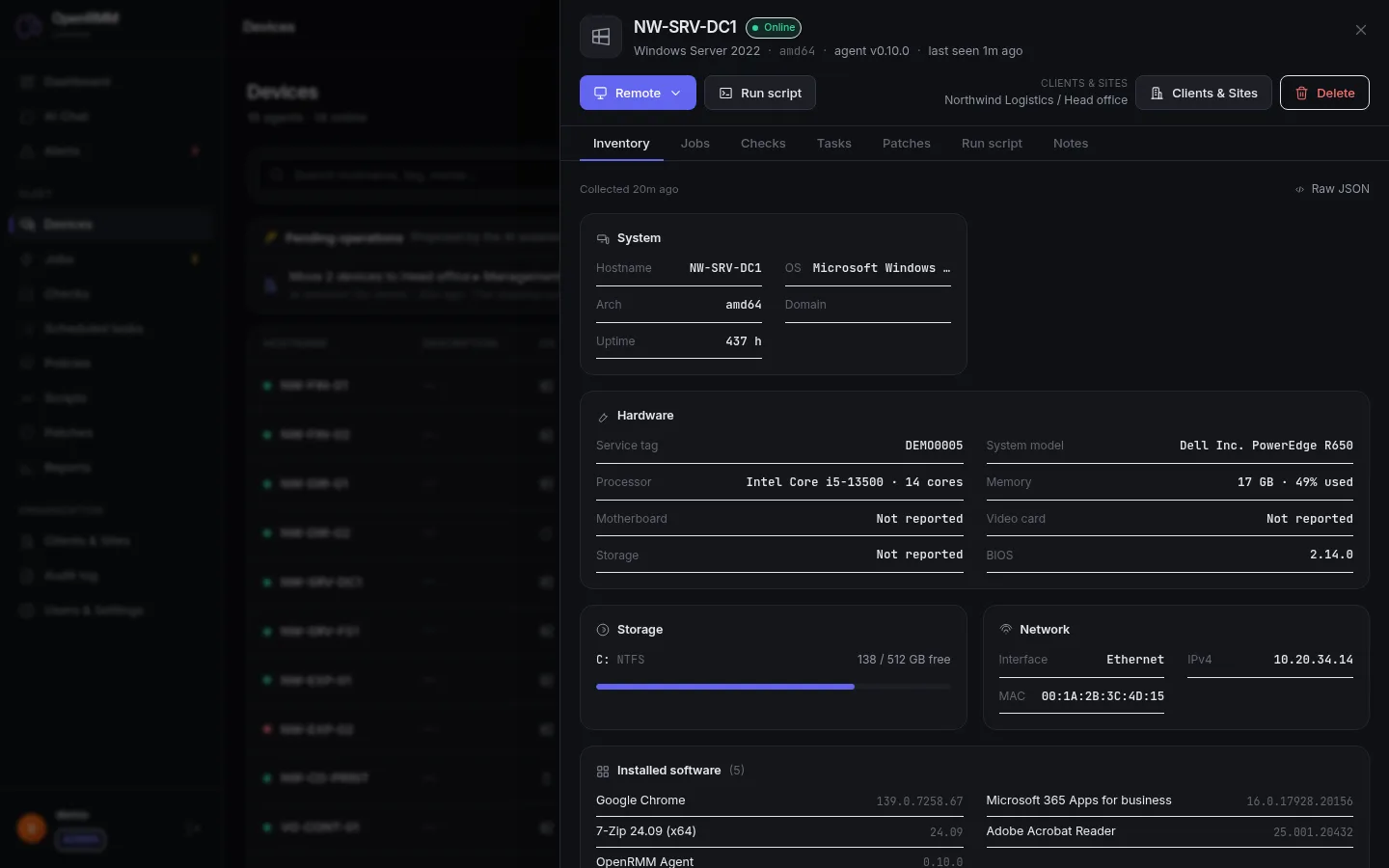
Hardware, software, storage and network, with remote access one click away.
Learn more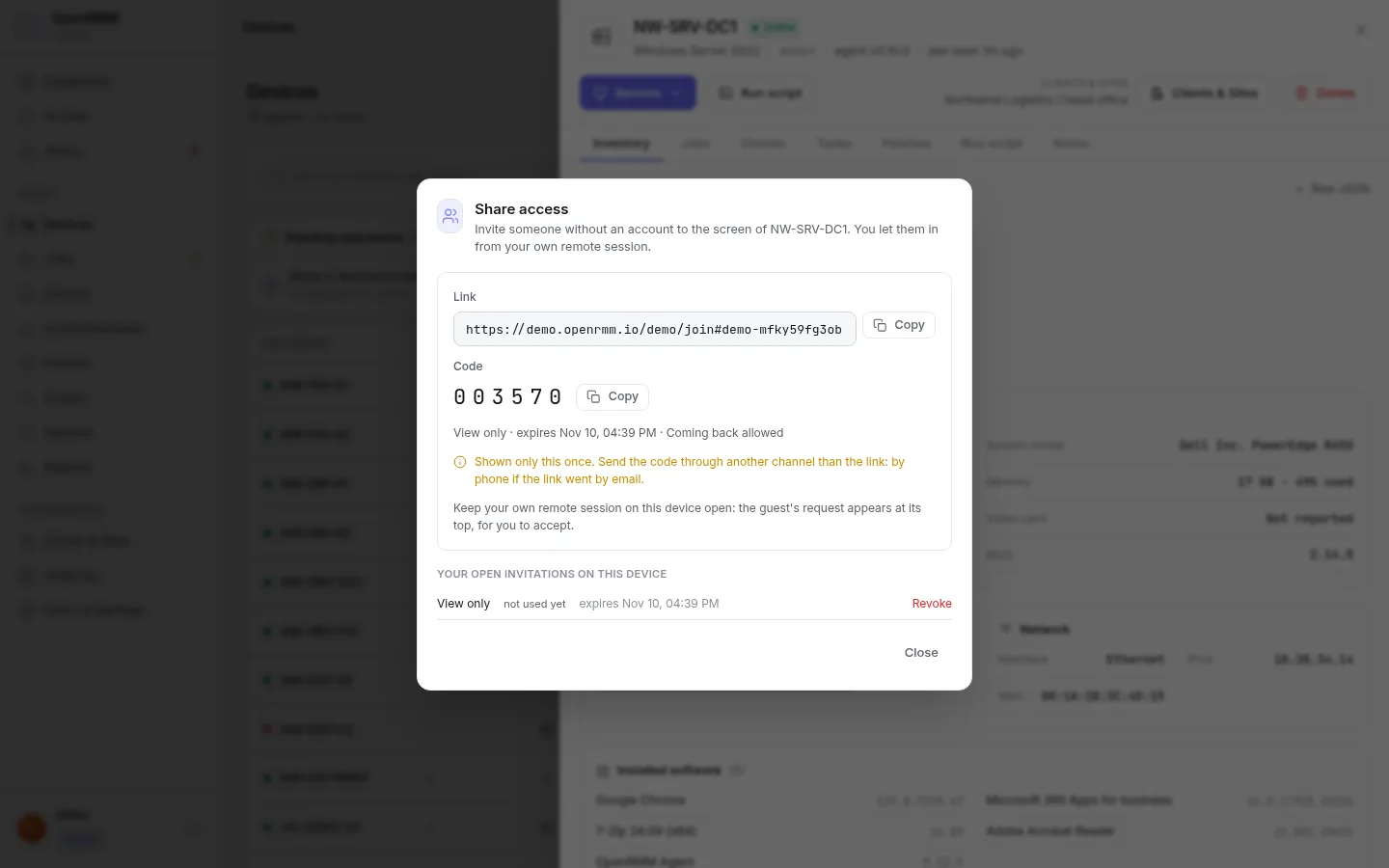
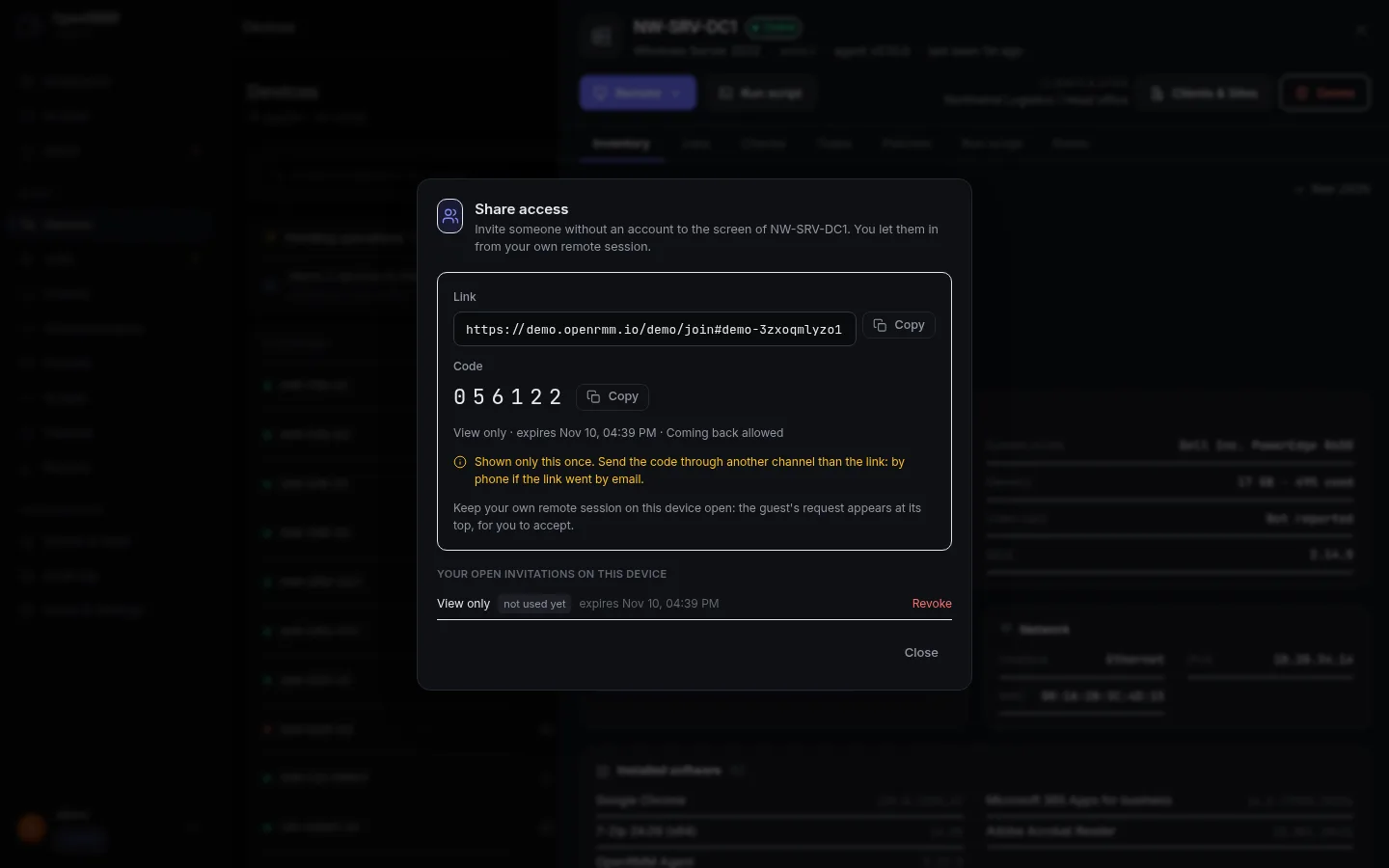
Send a link and a one-time code to someone without an account. They join only when you accept, and only for as long as you set.
Learn more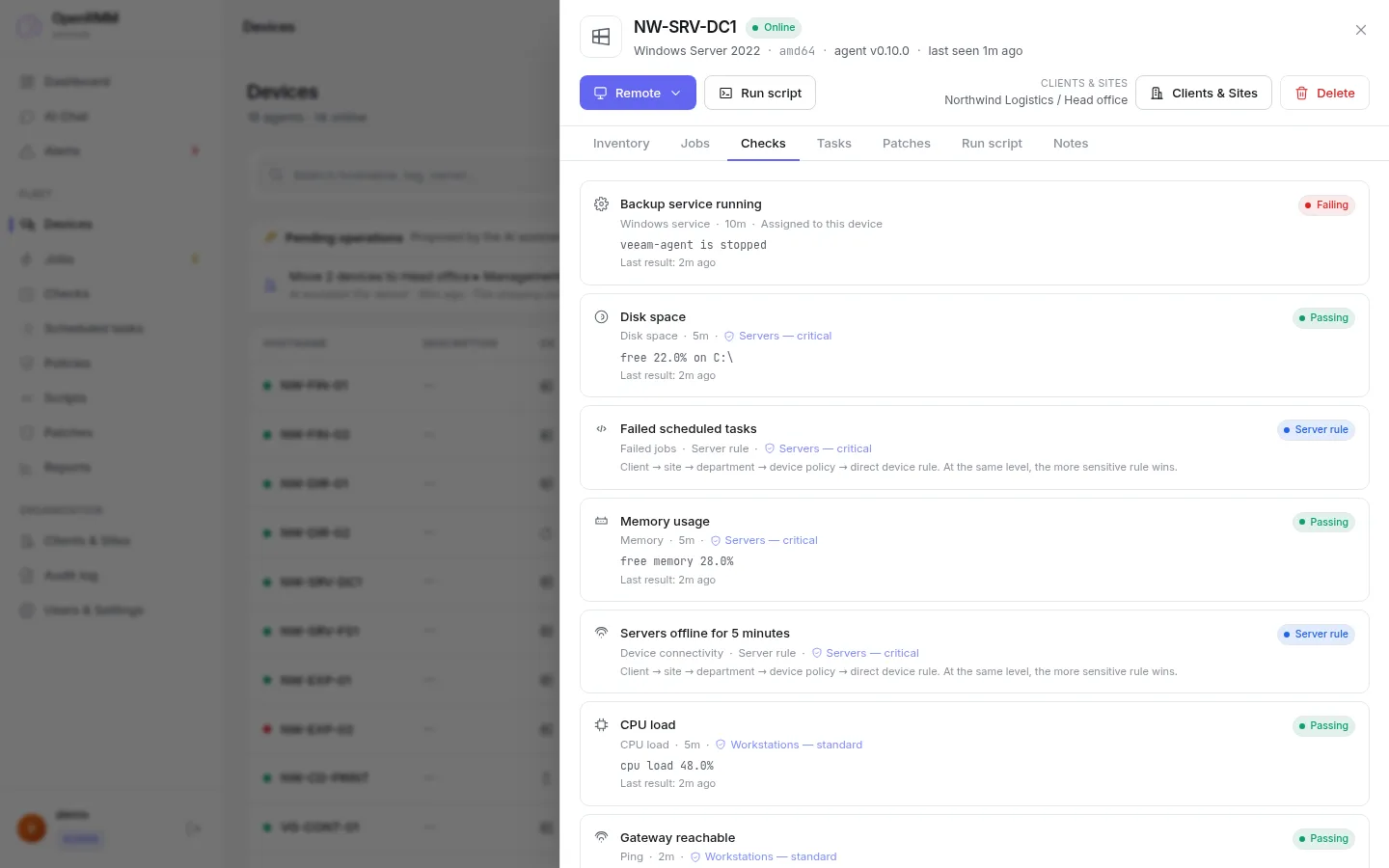
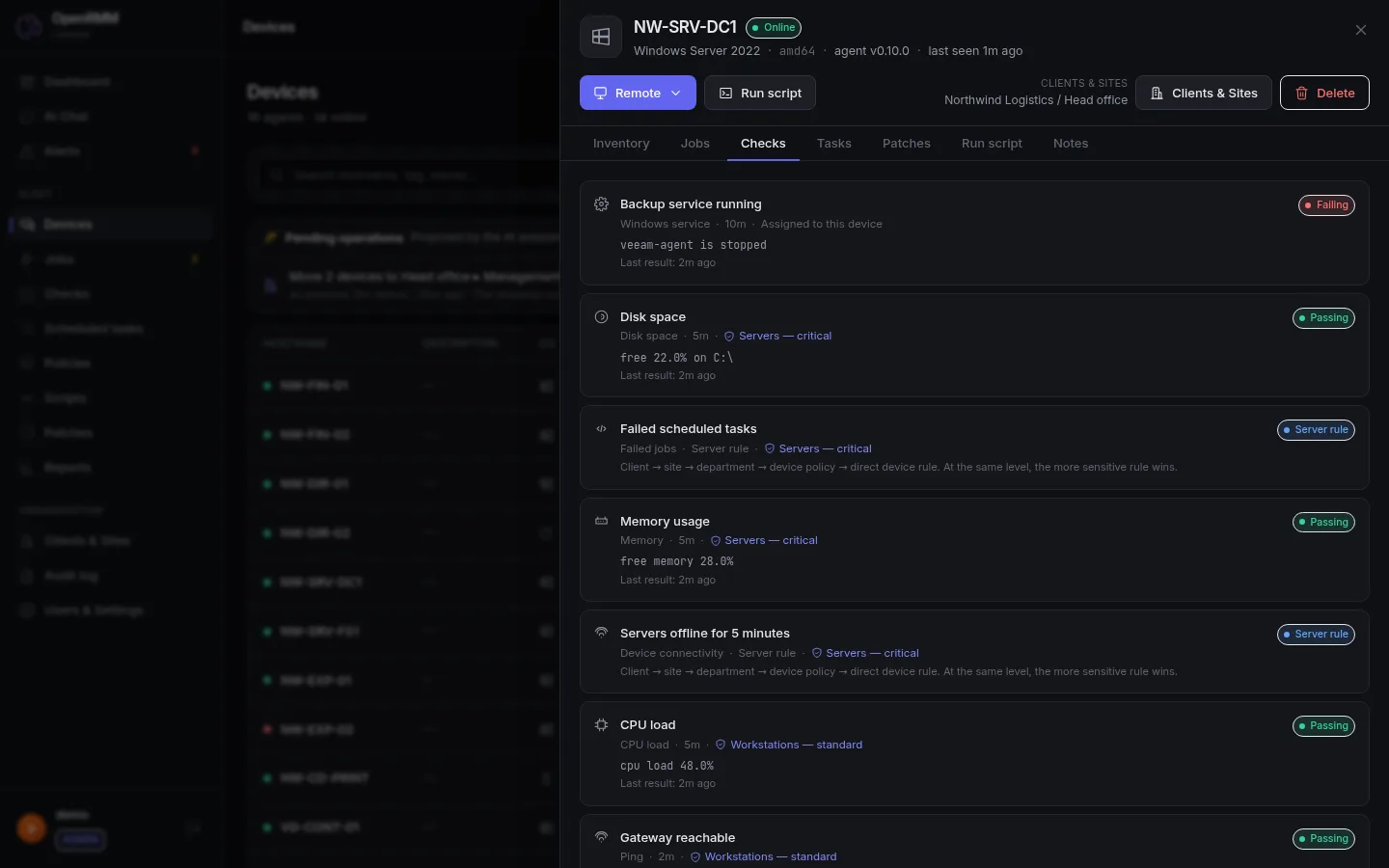
Every device shows the monitoring and scheduled tasks that apply to it — its own and those its policies bring — with their state there.
Learn more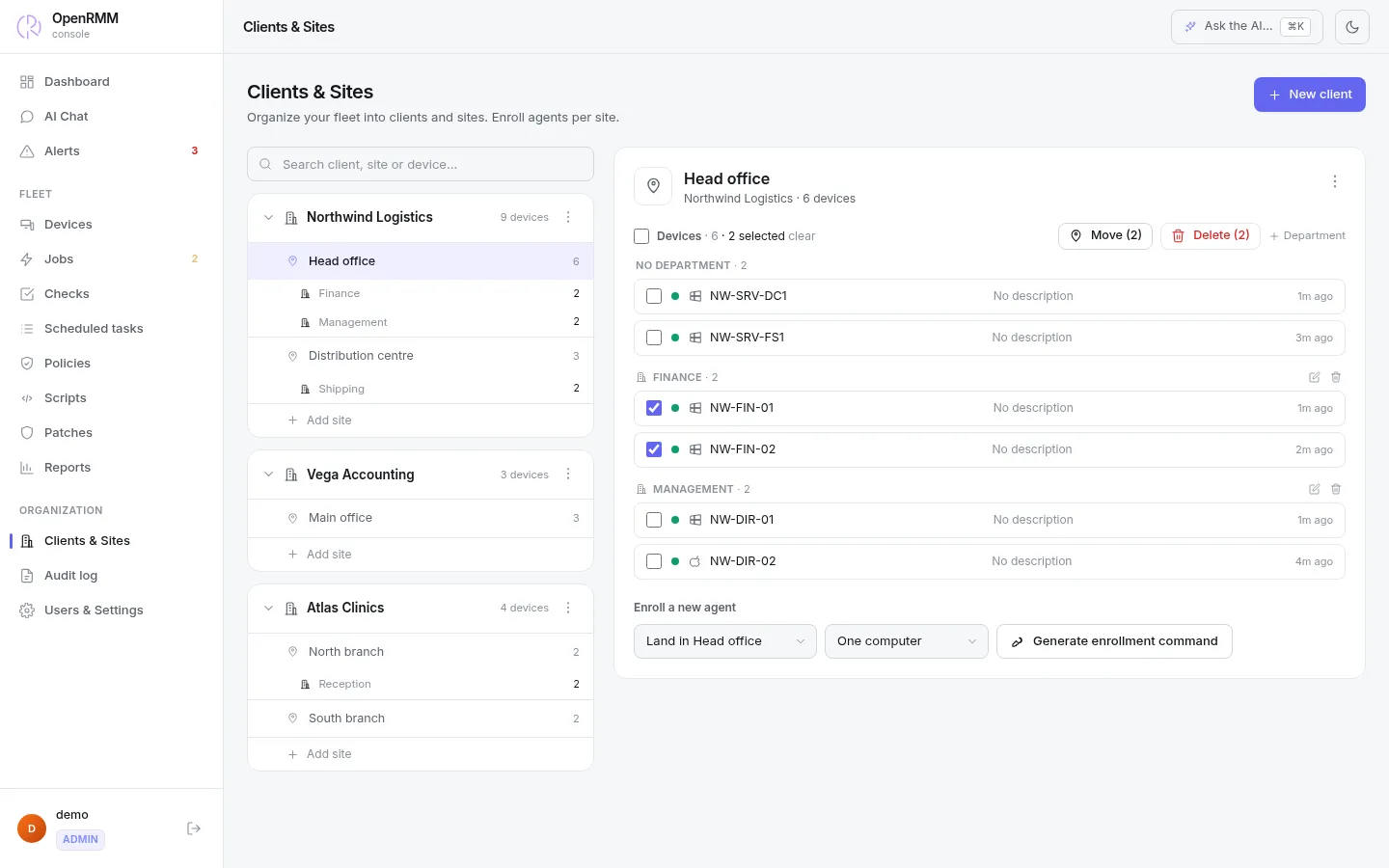
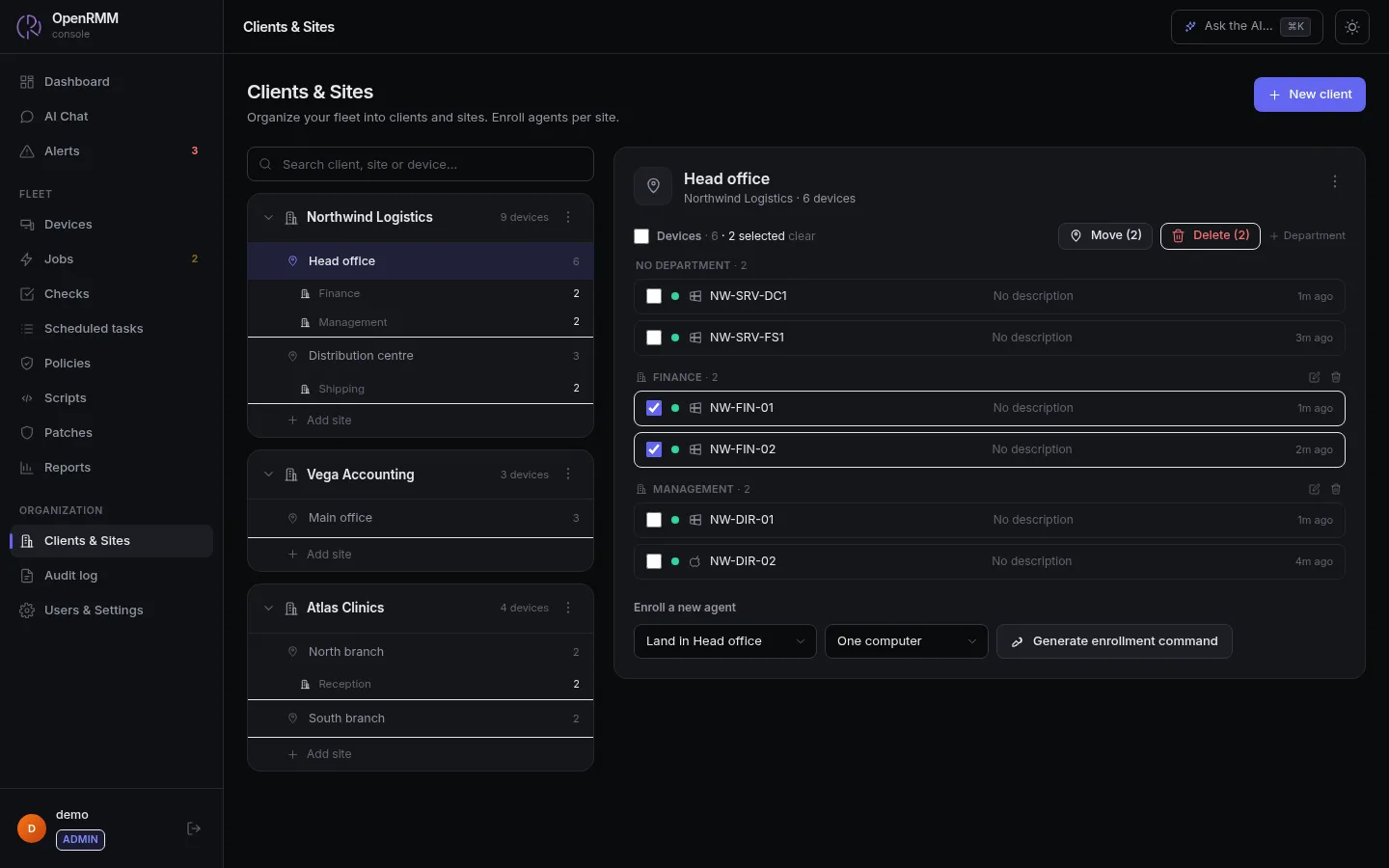
Tick devices to move or delete them together. Each technician sees only their own scope.
Learn more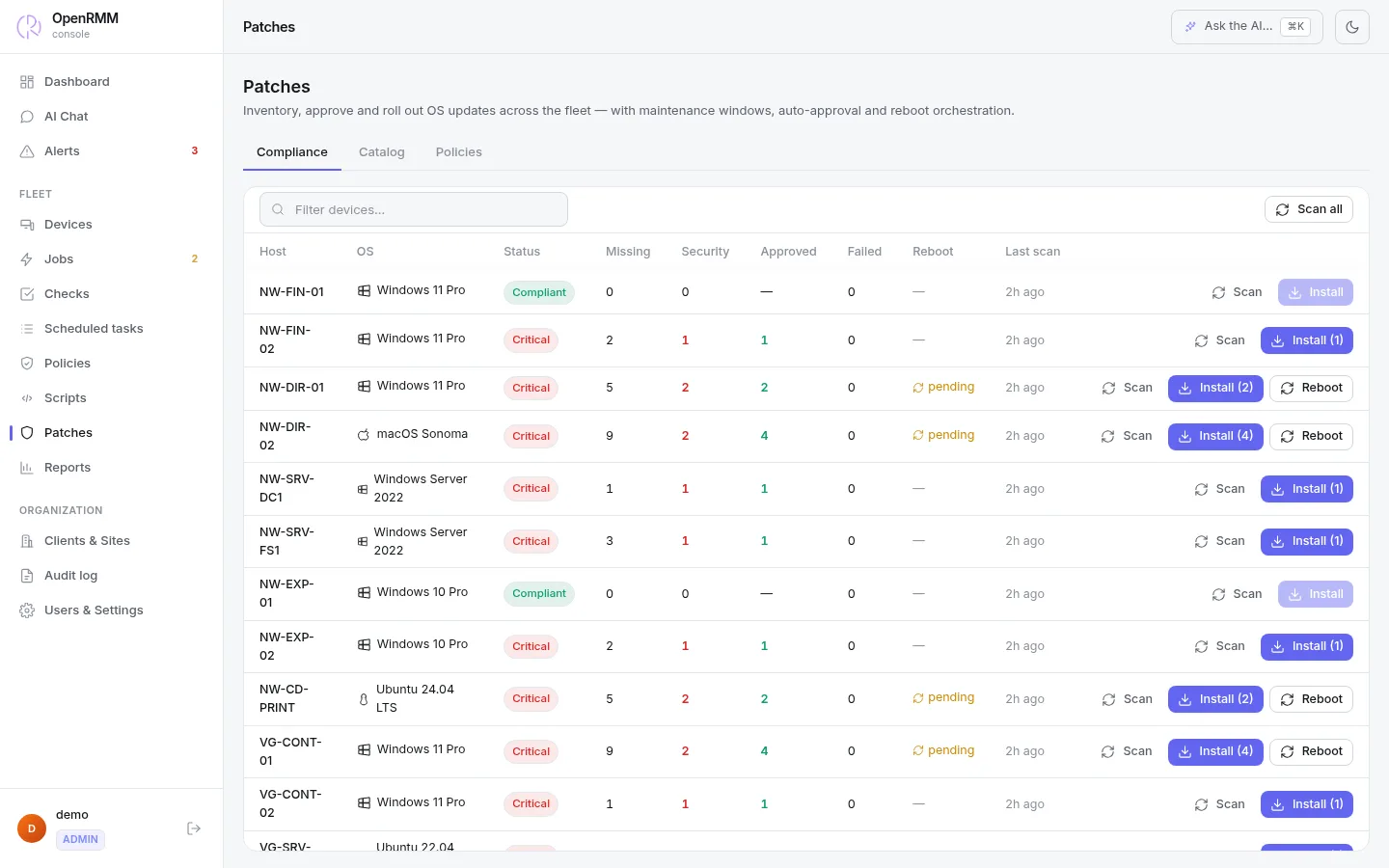
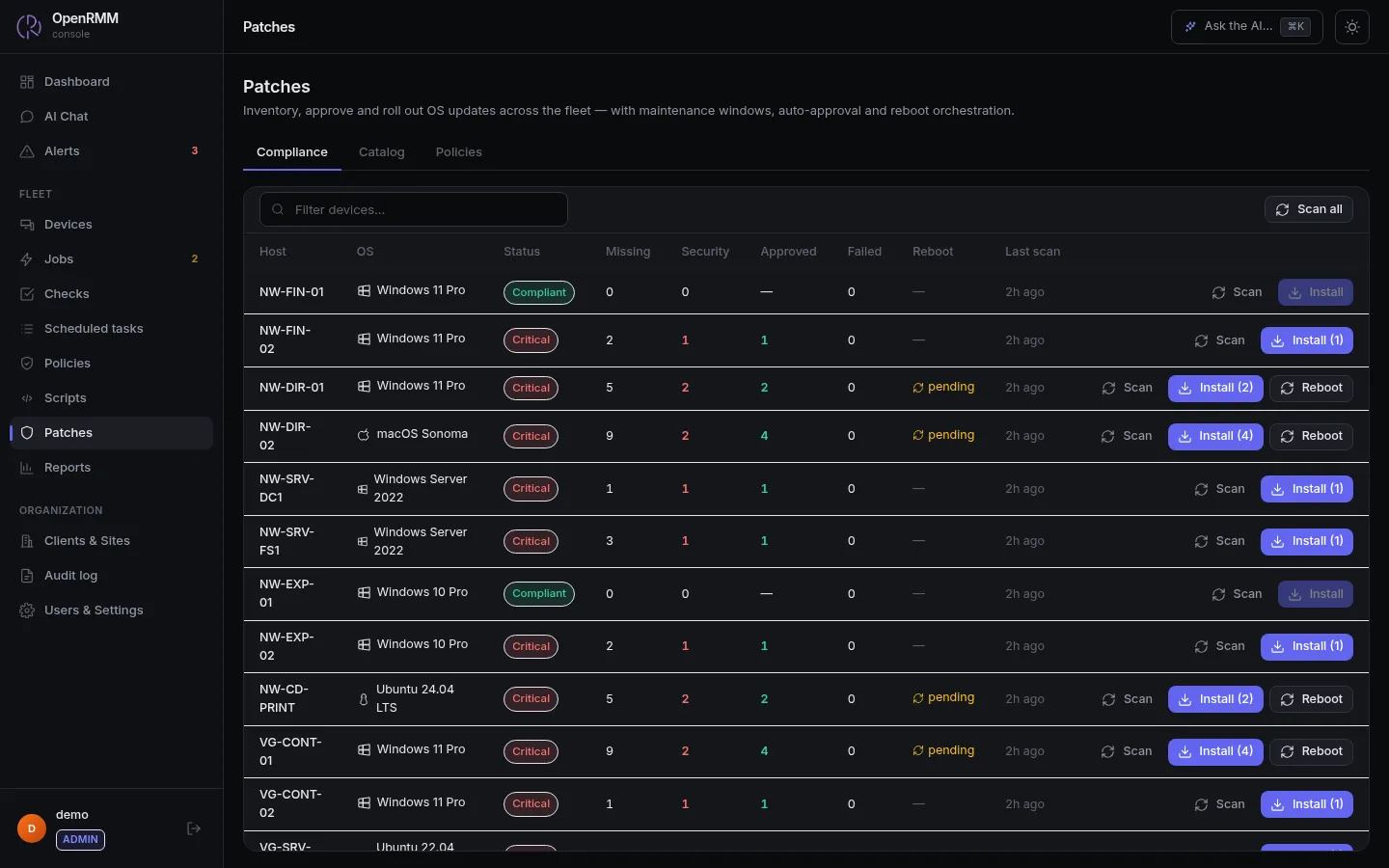
Approve by classification, set maintenance windows and follow every endpoint.
Learn moreFollow a real ticket from start to finish. A client's print queue got stuck and the AI found the cause. The decision to run anything is yours.
A check fails and opens a single alert, with no duplicates.
The AI queries the device in read-only mode.
It writes the script, the target and the reason. The job is created paused.
A technician with permission over that client approves or refuses.
Who proposed it, who approved it, what ran and the result.
There is no "community" version with features cut out. The software is the same on Cloud and self-hosted.
Hardware, software and patch state of every machine.
Disk, memory, CPU, ping and services, with thresholds per policy.
One alert per problem. It closes itself when the problem goes away and can be acknowledged or silenced.
Fleet health, approvals, alerts and recent activity on one screen.
Group checks and routines by company, site or department. New machines inherit everything.
Routines per device or per policy, with an execution history.
Reusable scripts sent to the agents. Approved jobs wait for the machine to return if it is offline.
Windows, Linux and macOS. Manual or policy approval, inside maintenance windows.
Writes scripts and prepares jobs that wait for approval. On its own it runs only read-only queries and scripts an administrator released in advance.
Remote desktop, terminal and file transfer through the agent itself, with no other program to install.
A link and a 6-digit code, view-only or control, valid from 15 min to 24 h.
Already use one of them? Open the session straight from the OpenRMM console, with your own server.
Ready-made or custom roles, and access limited to a company, site, department or machine.
Single sign-on through OpenID Connect, with MFA required from the provider, and TOTP 2FA for local accounts.
An append-only log. Database triggers refuse changes and a hash chain shows tampering.
Its own database, secrets, backups and domain for each Cloud customer.
Connect Claude, ChatGPT or any MCP client with the same permissions.
Integrate OpenRMM with your PSA, billing or your own scripts.
OpenAI, Anthropic or any compatible provider. No middleman.
Companies, sites and departments, with bulk actions.
One isolated instance per customer. Choose the capacity you need and the progressive discount is calculated automatically.
You run OpenRMM on your own servers, free (AGPL). The plan pays for our support, at 60% of the Cloud price.
Choose from 1 to 5,000 devices. Above that, our sales team will prepare a dedicated quote.
Tell us about your fleet. Our team will size the infrastructure and reply by email.
The AI model is not included. The assistant and MCP are included with the service, but the model is yours to bring: connect OpenAI, Anthropic or any provider with an OpenAI-compatible API, using your own API key, billed to you by that provider. We never resell tokens, and your conversations go straight from your instance to the provider, with no middleman of ours.
Your instance is ready in a few minutes and the URL arrives by email.
An RMM has administrative access to every machine it manages. That is why each guarantee below is in the public code, and not only in this text.
All of the code is on GitHub under AGPL-3.0. Anyone can review, audit and contribute.
Scripts from the AI are created awaiting approval. Tasks, checks and policies it creates are created disabled, and a database constraint prevents enabling them without review.
Each Cloud customer has its own namespace, database, secrets, backups and domain, with TLS and a daily backup.
An append-only log. Database triggers refuse changes and deletions, and a hash chain reveals any rewrite.
Ready-made or custom roles, checked on every route. Scope by company, site, department or machine also applies to the AI.
SSO through OpenID Connect with MFA required from the provider. TOTP 2FA for local accounts, with single-use recovery codes.
Passwords with bcrypt, tokens stored only as SHA-256 hashes and configuration secrets encrypted with AES-256-GCM.
Revocable tokens, its own permission and an IP allowlist. A limit of 60 calls per minute.
Agent binaries can be signed with Ed25519 and verified before every update.
The security overview in the documentation explains each layer, including the known limitations. Found a vulnerability? Report it privately to contact@openrmm.io, without opening a public issue.
Follow what is being done, ask for features and talk directly to the people who write the code.
Did not find your question? Ask on Discord or write to contact@openrmm.io.
Yes. The complete code is on GitHub under the AGPL-3.0 license. You can read it, audit it and run it on your own servers without paying for a license.
No. The software is the same on Cloud and self-hosted. On Cloud you pay for hosting and support. Self-hosted, the software is free and the paid plan covers only support (60% of the Cloud price).
Only for roles granted it (the built-in administrator is), and only what was allowed in advance: read-only queries on a device, and library scripts an administrator released, bound to their exact content. Reboots, installs, deletions, accounts and security settings can never be released. Everything else it writes is created awaiting approval; tasks and checks it creates are created disabled, and the database prevents enabling them without review. One switch in the settings pauses it all, and everything goes into the audit log.
The AI model is not included. You use your own key from OpenAI, Anthropic or any provider compatible with the OpenAI API, and pay the provider directly. OpenRMM does not resell tokens and does not sit between you and the provider.
Each customer has a dedicated instance, with its own namespace, database, secrets, backups and domain. Nothing is shared with other customers. Instances have TLS and a daily backup.
Windows, Linux and macOS, with inventory, monitoring, remote desktop, terminal and update management on all three. On Linux, remote desktop requires Xorg. On macOS, the agent needs the Screen Recording and Accessibility permissions.
Yes. Single sign-on uses OpenID Connect and can require MFA from the provider. Local accounts can use TOTP 2FA, with single-use recovery codes.
Yes. OpenRMM opens MeshCentral and RustDesk sessions straight from the console, using your own servers. Native remote access stays available alongside.
The Cloud instance is ready a few minutes after payment, and the URL arrives by email. If you want to look first, the live demo needs no sign-up.
Both plans include 24/7 support with a response within 8 hours. Self-hosted with support also includes help with installation and upgrades, early security advisories and priority on bugs and suggestions.
International card in US dollars (automatic renewal), Bitcoin and USDT (paid monthly), and Mercado Pago in reais, by card, Pix or boleto. The annual plan has a 10% discount.
Yes. Each technician's access can be limited to a company, site, department or machine. The rule applies to reading, writing and also to what the AI can see and propose.
Yes. The self-hosted plan with support includes help migrating to Cloud.
We prepare a proposal with capacity sized to your fleet. Write to contact@openrmm.io with the size of your fleet and your environment.